Mobile Native Plugin
Mobile App – Status Bar Config
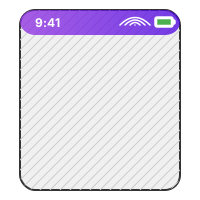
Control the text color, background visibility, and layout overlays of iOS and Android status bars dynamically from your Bubble workflows. Essential for achieving a clean, native app feel in mobile wraps.
Capabilities
Key Features
- Switch status bar style (light / dark content) dynamically.
- Enable or disable overlays (letting your app content draw underneath).
- Configure custom background colors.
- Works seamlessly with wrap engines like BDK, Jasonelle, and Capacitor.
Setup & Usage
1
Install the plugin from the Bubble editor.
2
Add the 'Status Bar Configuration' action into your page load or device-ready workflow.
3
Set the desired style (Default, Light Content, or Dark Content) and toggle overlay option.
New business / 2026
Have a process that should work better?
Bring us the bottleneck, the brittle build, or the idea. We'll give you a direct read on what to do next.